Valid Driving Licence
A clear photo of your DL is required for verification.
How It Works
Ryido makes self-drive simple — choose a car in the app, book with clear pricing, and drive your way across Kurnool and beyond.
Transparent Pricing
See the full fare before you book.
Verified Cars
Well-maintained vehicles you can trust.
Flexible Trips
Local, daily and outstation options.
Simple Flow
From download to drop-off — everything happens in the Ryido app.
Step 01
Get the app on Google Play or the App Store and create your account in a few taps.
Step 02
Browse hatchbacks, SUVs and more. Filter by dates, location and trip type.
Step 03
Confirm your slot with clear pricing — no hidden charges before you pay.
Step 04
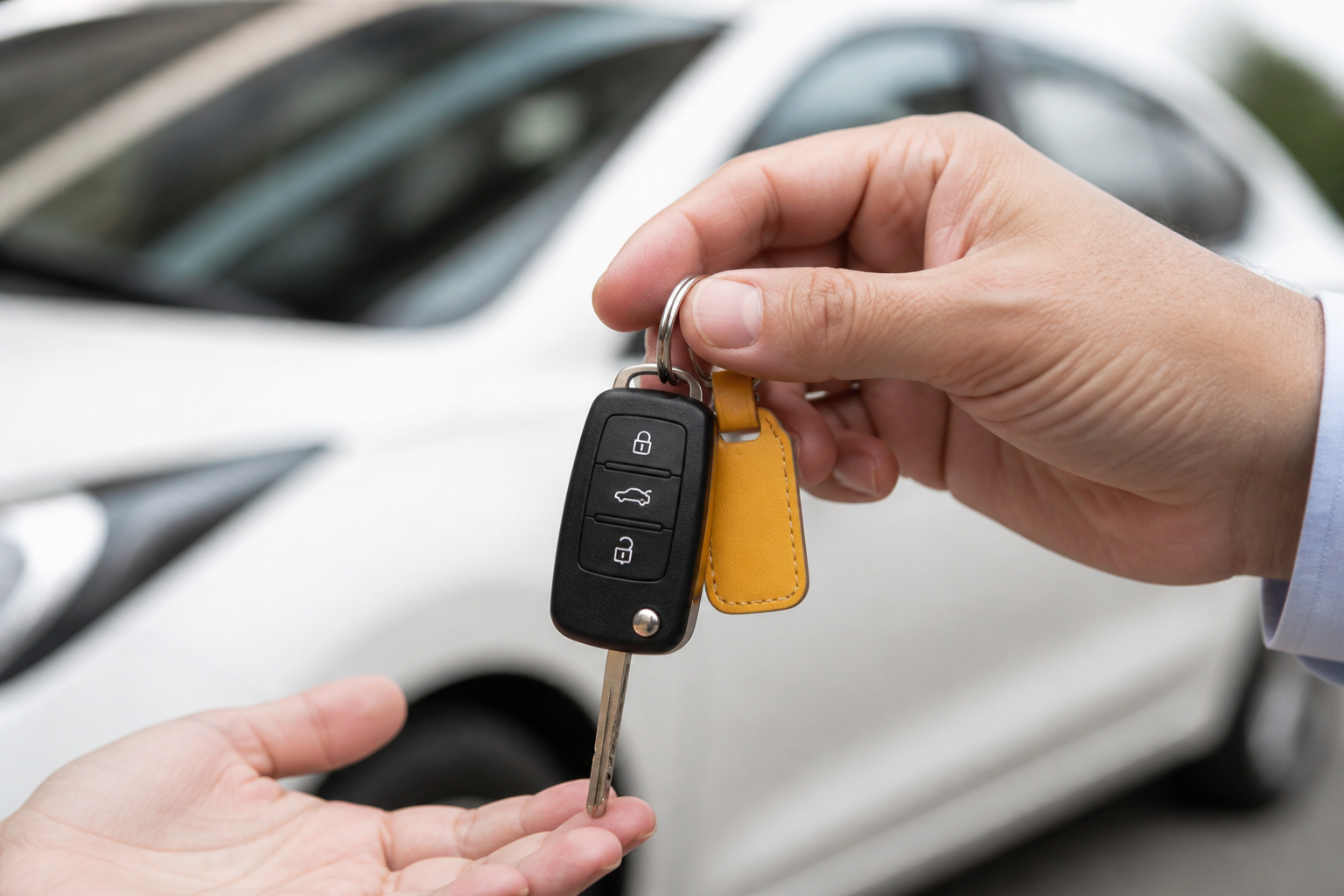
Collect your car at the pickup point, do a quick check, and hit the road.
Step 05
Drop the car back at the same location. Need help? Support is always nearby.
Before You Book
Keep these ready so verification is quick and your trip starts on time.
A clear photo of your DL is required for verification.
Aadhaar or another accepted ID helps keep every trip safe.
We’ll use it for OTP login, booking updates and support.
Download Ryido, pick a car, and start your next self-drive journey.